
Colocation Packages Built for How You Actually Deploy
From 1U to private cages—choose a package, add power/network/ops, and get a fast quote.
Location-agnostic packages. Final pricing depends on power, network, and facility availability.
365 Caged Colocation Options. From Cabinets to Private Cages.
365 Caged Colocation Options.
From Cabinets to Private Cages.
Choose the secure footprint that fits your deployment today—start with caged racks and scale into private cages, suites, and enterprise environments with the power, connectivity, and on-site support you need.
Caged Colocation Solutions
Deploy securely with a dedicated footprint that scales. Start with the right package (cabinet to multi-rack) and add power, connectivity, IPs, and Remote Hands for a clear quote without drawn-out back-and-forth.
Private Cage/Suite Colocation
Get a fully separated environment with perimeter security and controlled access. Private cage / suite colocation is ideal for multi-cabinet deployments, compliance-driven workloads, and teams that want long-term room to grow.
Enterprise Cage Colocation
Support larger footprints with higher-density power planning and dedicated connectivity. Enterprise cage colocation can include cross-connects/private handoffs plus structured ops support (Remote Hands, rack & stack, staging, and change windows).
Custom Caged Rack Colocation
A practical step between a single cabinet and a full private suite. Caged rack colocation places one or more dedicated cabinets inside a secured cage perimeter for cleaner operations, added separation, and an easy path to expand later.
How It Works
Get the privacy and control of a dedicated footprint—without the complexity. Our caged colocation options give you a secure perimeter for multiple cabinets, flexible power and connectivity, and the ability to scale as your environment grows. Tell us what you’re deploying and where, and we’ll confirm availability and pricing fast
Pick a Package
Choose the footprint that fits what you’re deploying today—single cabinet, a small pod, or a private caged area. If you expect growth, pick an option that gives you room to expand without reworking the layout, power plan, or cabling later.
Choose your Add-Ons
Select the essentials you need to run reliably: primary/redundant power, bandwidth and connectivity options, IP space, and cross-connects. Add Remote Hands if you want on-site help for installs, reboots, and quick changes.
Get a Quote
Send your request and we’ll confirm availability at your preferred facility, validate power and network requirements, and deliver clear pricing with next steps. No guessing, no unnecessary back-and-forth—just a fast path to deployment.
Choose Your Colocation Package
Choose the footprint that matches your deployment today—and scale up without reworking your infrastructure later. Each option below includes the essentials to get online quickly, with clear upgrade paths for power, connectivity, and on-site support. Click Get a Quote to open the form with your package preselected.
Starter U‑Colo
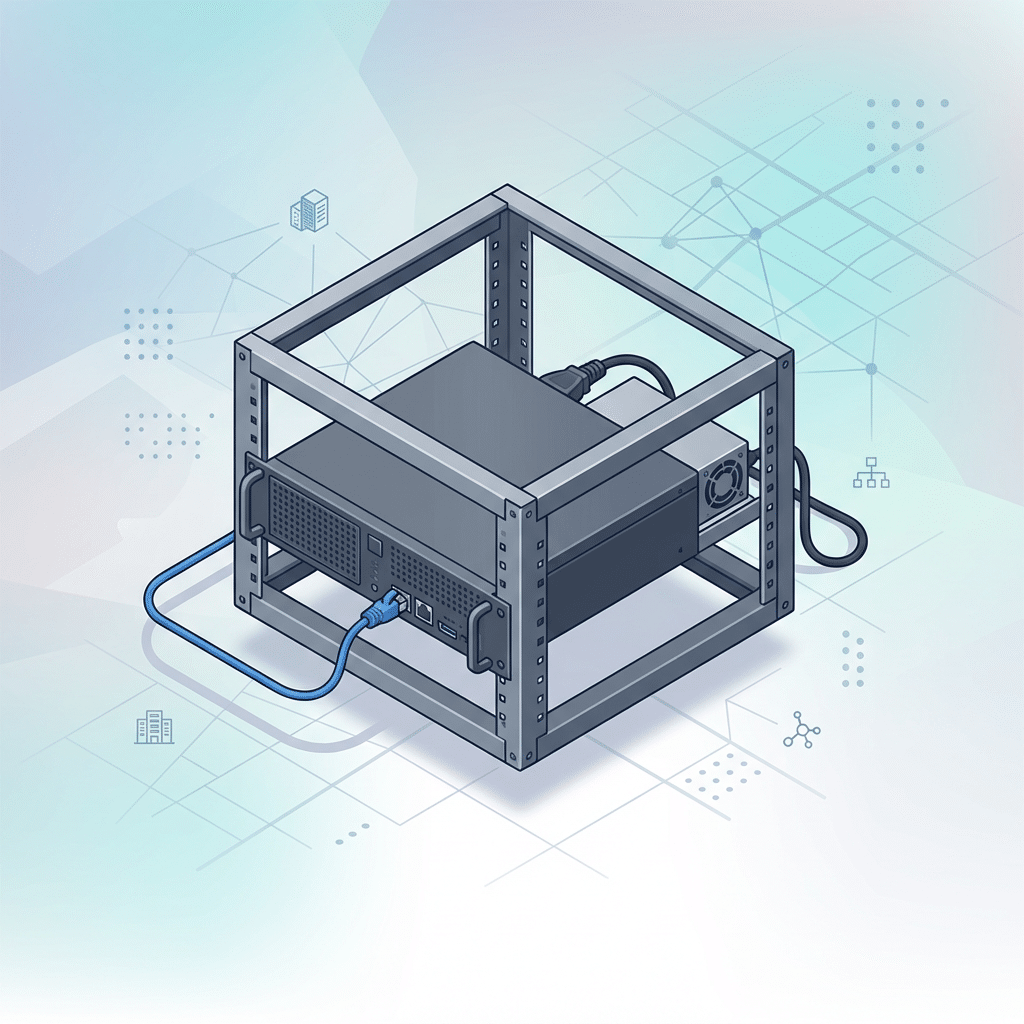
Best for: Single servers, routers, and compact deployments that need a simple, low-friction start.
- 1U–8U space options (choose your exact footprint)
- Baseline power allocation (right-sized for small gear)
- Baseline internet connectivity to get online fast
- Standard facility access process and support path
Common add-ons:
- Additional IPs (static IP needs)
- Remote Hands for reboots, installs, and quick changes
- Higher bandwidth / upgraded connectivity options
Fractional Rack
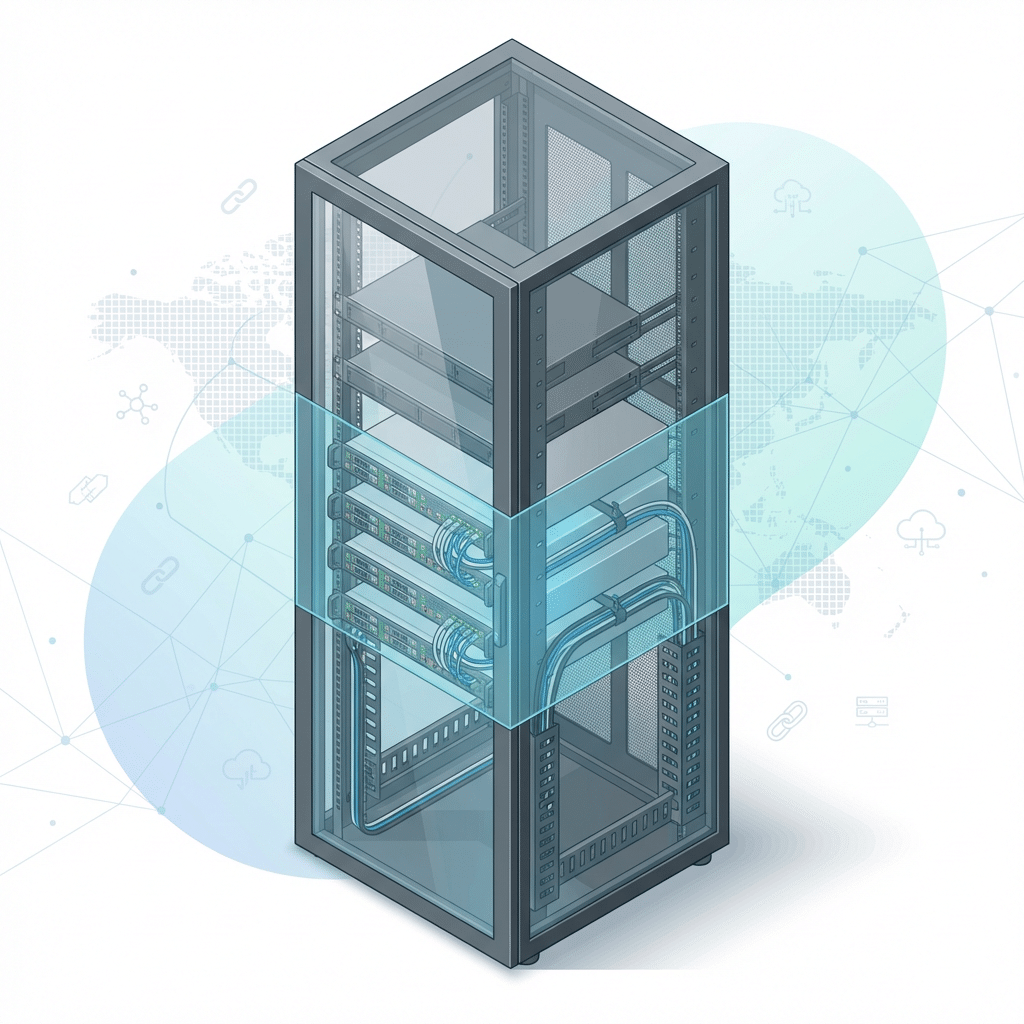
Best for: Growing deployments that want more room than U‑space, without committing to a full cabinet.
- Quarter, half, or partial rack options (based on availability)
- Baseline power allocation for shared-rack footprints
- Baseline internet connectivity and standard handoff options
- A clear upgrade path to full cabinet when you’re ready
Common add-ons:
- Cross-connects to carriers, partners, or cloud on-ramps
- Higher power allocations (where supported)
- Remote Hands for on-site support and maintenance tasks
Dedicated Full Rack
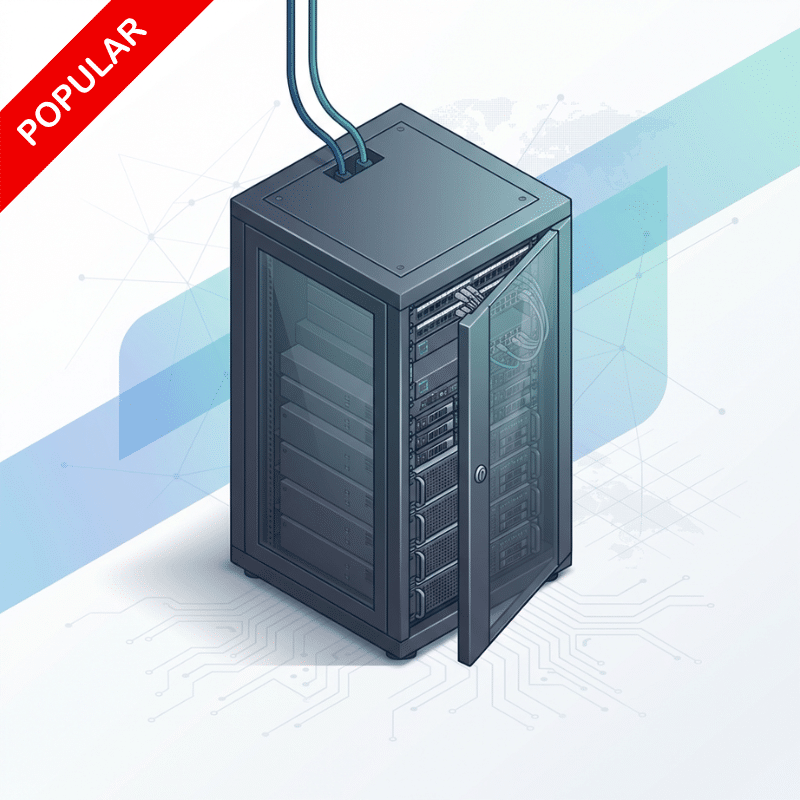
Best for: A dedicated footprint with predictable operations, cleaner cabling, and stronger control.
- Full rack / full cabinet reserved for your equipment only
- Baseline power + internet connectivity included
- Access policy alignment
- A foundation built for stable growth and repeatable deployments
Common add-ons:
- A/B redundant power (where available)
- IP blocks for larger routing and segmentation needs
- Cross-connects for carrier diversity and private links
- Remote Hands for installs, swaps, and on-demand support
Multi‑Rack Pod
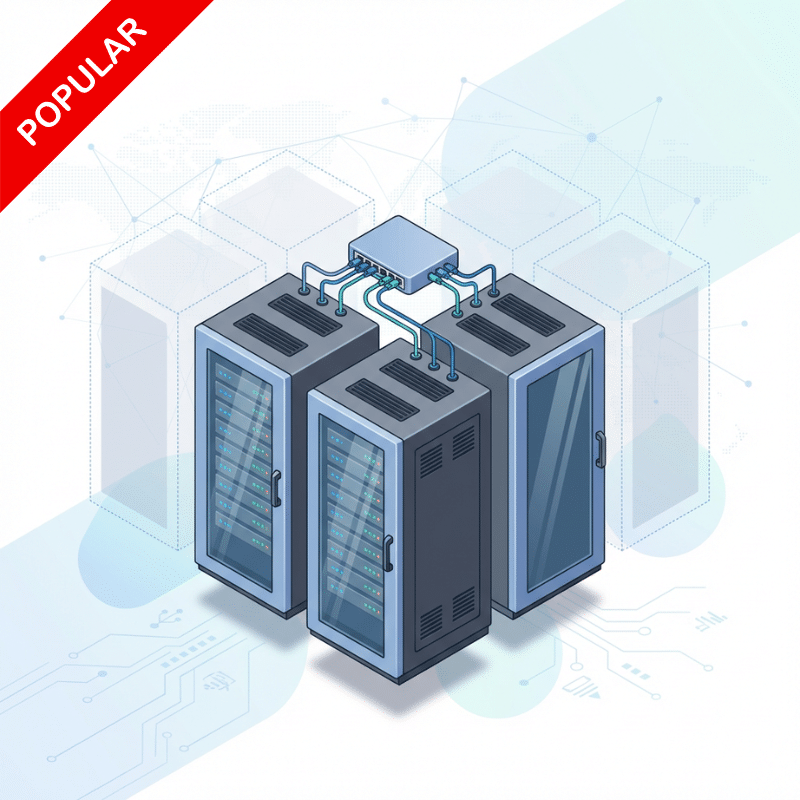
Best for: Clusters, multi-cabinet growth, and private pod-style deployments that need room to expand.
- Pod tiers (3/4/5/10/12 cabinets) to match your current scale
- Scalable power options to support higher-density growth
- Flexible network options (bandwidth, handoffs, and design support)
- A layout that supports expansion without operational chaos
Common add-ons:
- Dedicated switching / top-of-rack networking support
- Cross-connect bundles for multi-carrier or partner connectivity
- Enhanced ops support (more hands-on assistance as needed)
Private Cage / Suite
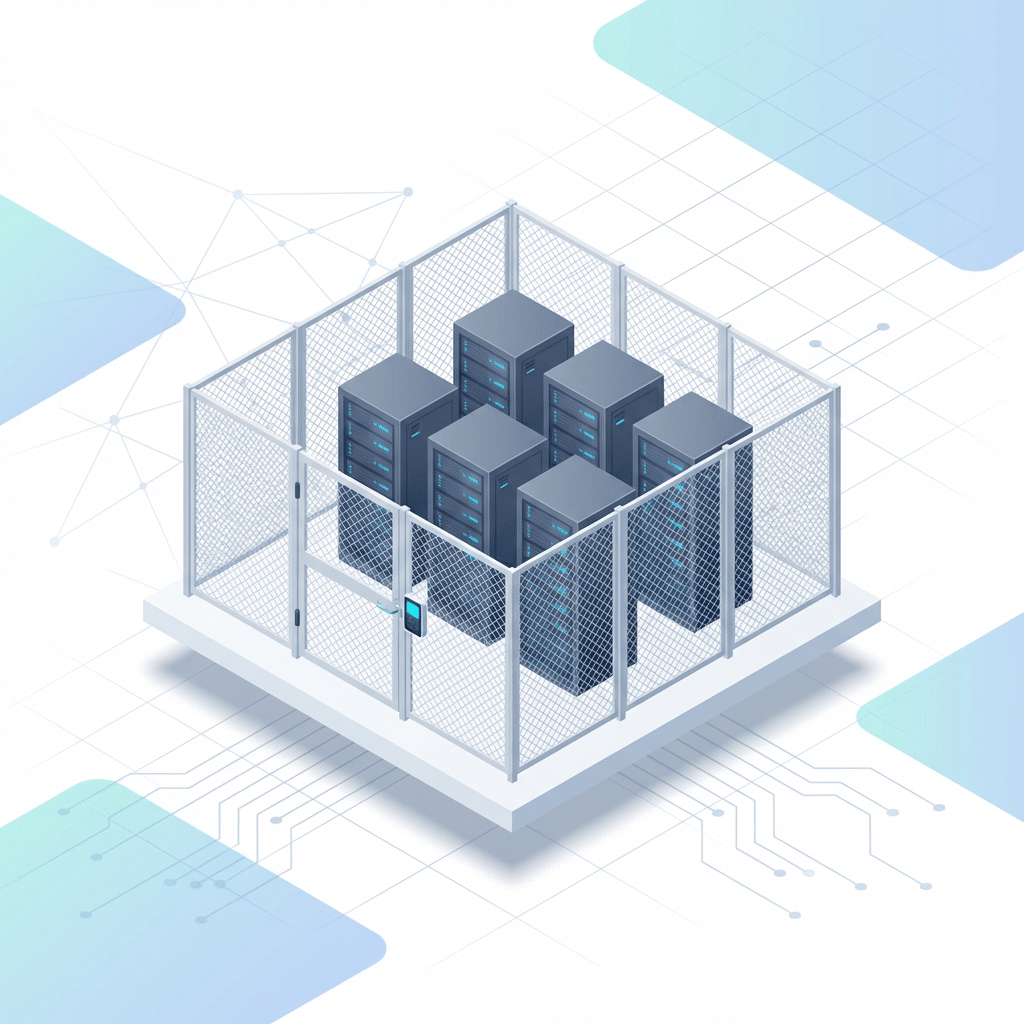
Best for: Enterprise footprints that require private environments, perimeter security, and long-term scale.
- Caged footprint or suite-style private environment
- Power + network planning support for larger deployments
- Security/access options aligned to your operational requirements
- A scalable foundation for multi-team, multi-system environments
Common add-ons:
- Compliance/security requirements support
- Dedicated support model
- Custom connectivity designs (diverse paths, carrier mix, bundles)
Customize Your Setup
Every deployment is different—so we’ve productized the most common upgrades into a clean, intentional add-ons menu. Start with the footprint you need, then choose the power, connectivity, IPs, and on-site support that match your workload today (and scale smoothly as you grow). The result: a quote that’s clear, premium, and built around how you actually operate.
Power Options
Start with a standard power tier for typical servers and network gear, giving you a clean baseline that’s easy to price and deploy. Move to high-density (6kW+) when your cabinet draw is higher and you need more capacity per rack. For accelerated compute, ultra / GPU-class power supports specialty workloads that require tighter planning and higher headroom. Where available, A/B redundant power adds dual feeds to reduce single points of failure and support stronger uptime goals.
Network & IP Options
Choose a bandwidth tier that matches your traffic today, then scale up as throughput needs increase for apps, backups, or replication. Select IP options based on your design—from a single IP to routed blocks for larger environments. Add cross-connects / private handoffs for direct links to carriers, cloud providers, or partners inside the facility. For multi-cabinet builds, dedicated switching keeps your pod or cage network private, organized, and easier to operate at scale.
Operations Options
Select Remote Hands tiers for predictable and professional on-site help from 365 experts with routine tasks like reboots, checks, swaps, and basic troubleshooting. Add rack & stack / install services when you want structured deployments, including mounting, patching, and labeling. Use receiving & staging to ship gear in, store it securely, and prep it before install day. Schedule change windows when work must follow your runbook, timing, and approval process with clear accountability.
Why 365 Data Centers?
RELIABLE
We’re laser-focused on delivering reliable and secure colocation, network, and cloud services. Our data centers feature the security, monitoring, and support needed to ensure continuous protection of your equipment and the infrastructure that supports it. The 365 experienced team and rigorous procedures ensure that you get the continuous service and support you need to meet the demands of a 24/7/365 world. We are so confident in our systems that customers with primary and redundant circuits are guaranteed 100% uptime of power.
SCALABLE
With over a dozen data center facilities throughout the United States, a high-capacity network backbone spanning the globe, a robust cloud platform, and the careful assistance of our numerous Information Technology (IT) infrastructure experts, 365 Data Centers offers the perfect environment to scale with your growing business needs. When the time comes to install a new data center cabinet, spin up a new Virtual Machnine (VM), or upgrade your circuit bandwidth, the 365 team will be ready to help you each step of the way.
CONNECTED
You need the ability to choose the networks that meet the needs of your business. In addition to 365’s high speed, nationwide network connectivity between our data centers, points of presence, and customer locations, we can connect you to the right carrier, partner, managed service, or cloud provider within any of our facilities. Our data centers are Internet Exchange (IX) friendly and offer connectivity to 86 carriers including top telecom and cable providers. Don’t see the provider you need? Just ask us and we can help.
Facilities & Network
365 Data Centers operates 16 colocation facilities across the U.S. with convenient downtown locations that offer connectivity to major fiber routes. With data centers in both major and emerging markets, we help customers build the distributed colocation infrastructures they need to deliver low latency service, lower transport costs and support disaster backup plans.

FAQ: Choosing the Right Colocation Package
Baseline covers the standard starting allocation for power and connectivity; final specs depend on facility availability and your requirements.
Start with your current equipment count and power draw; if you expect growth or want dedicated control, a full cabinet is usually the cleanest step up.
Yes—packages are designed to scale, and we’ll recommend the smoothest upgrade path based on availability.
Where available, A/B power can be added for higher uptime requirements; we’ll confirm options during quoting.
You can add bandwidth tiers, cross-connects/private handoffs, IP blocks, and dedicated switching for larger builds.
A cross-connect is a private link inside the facility to a carrier, cloud on-ramp, or partner—useful for performance, redundancy, and predictable routing.
Remote Hands provides on-site assistance for tasks like reboots, visual checks, swaps, installs, and basic troubleshooting—available in tiered bundles.
After you submit the form, we confirm space/power availability at your preferred facility and return pricing and next steps as quickly as possible.
Request Pricing & Availability
Ready to price out your deployment? Choose a package, select your add-ons, and submit the form—we’ll confirm availability at your preferred facility and send clear pricing with next steps. If you’re not sure where to start, pick “Help me size it” and we’ll recommend the right footprint based on your gear and power needs.